How Many Days of CCTV Recording Do You Need? 2TB to 8TB
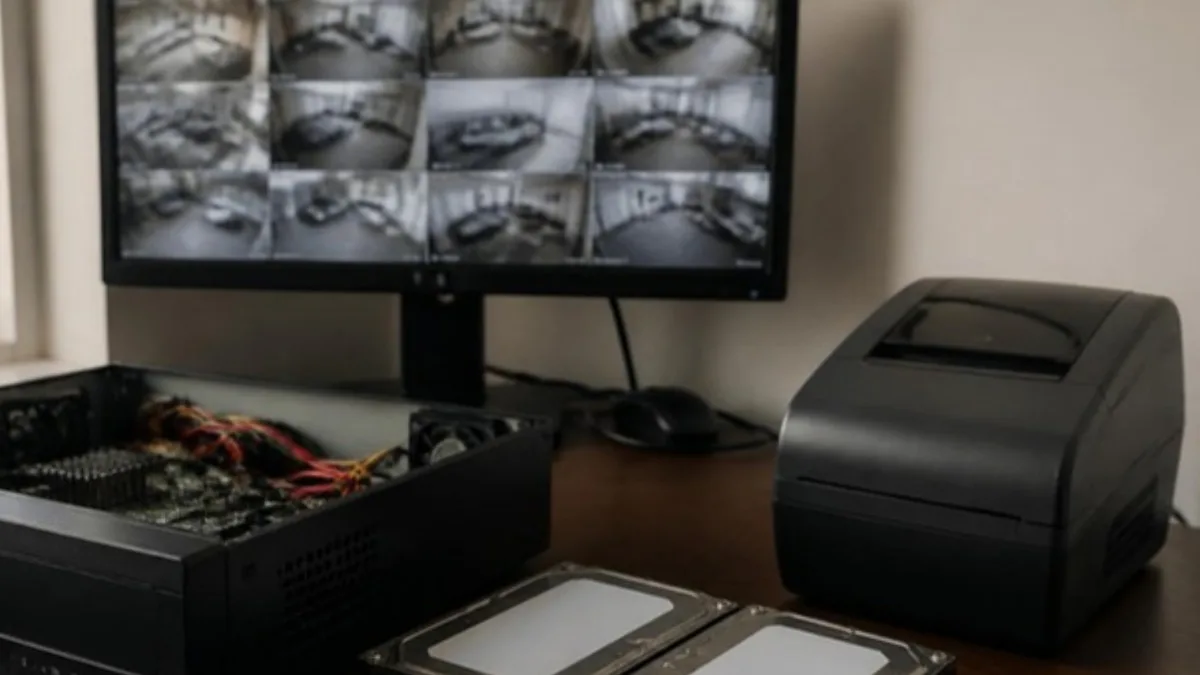
Most shops and offices in Maputo should keep 15 to 30 days of CCTV recording. How many days you actually get depends on four things: the number of cameras, their resolution, the compression, and whether they record all the time or only on motion. Here is the simple formula we use, worked examples for 2TB, 4TB and 8TB drives, and how to pick the right number of days for your business.
Why the number of days matters
Most incidents are not discovered on the day they happen. Stock goes missing and the count shows it at the end of the month. A customer complains two weeks after a delivery. A staff member reports something after a weekend of thinking about it. If the recorder only holds five days, the footage that would have answered the question has already been overwritten.
The recorder works in a loop: when the drive is full, it records over the oldest footage. So the real question is not "how big is the drive" but "how far back can I look when something goes wrong".
The formula, in one line
One camera recording continuously uses its bitrate multiplied by 10.8 to give gigabytes per day.
- A 2 MP camera on H.265+ at about 1.5 Mbps uses roughly 16 GB a day.
- A 2 MP camera on H.265 at 2 Mbps uses roughly 22 GB a day.
- A 4 MP camera on H.265+ at about 2 Mbps uses roughly 22 GB a day.
- A 4 MP camera on H.265 at 4 Mbps uses roughly 43 GB a day.
Multiply by the number of cameras for the daily total, then divide the usable drive space by that total. A drive sold as 2TB gives about 1.8 TB of usable space once formatted, and the recorder keeps a small part for its own use, so we count on 1.8 TB, 3.6 TB and 7.2 TB for 2TB, 4TB and 8TB drives.
Worked examples
- 8 cameras, 2 MP, H.265+, continuous: about 128 GB a day, so a 2TB drive holds around 14 days and a 4TB drive around 28 days.
- 8 cameras, 2 MP, H.265, continuous: about 176 GB a day, so 2TB gives about 10 days and 4TB about 20 days.
- 16 cameras, 2 MP, H.265+, continuous: about 256 GB a day, so 4TB gives about 14 days and 8TB about 28 days.
- 16 cameras, 4 MP, H.265+, continuous: about 350 GB a day, so 8TB gives about 20 days, and two 8TB drives about 40 days.
These are planning numbers. A busy street in front of a camera, rain, moving trees or a camera facing a television raises the bitrate, while a quiet storeroom at night lowers it. After installation we check the real figure in the recorder and adjust if needed.
Continuous, motion or both?
Continuous recording is the safest: nothing is missed, and searching is simple. Motion-only recording can stretch the same drive two or three times further, because a shop that is closed for 12 hours records almost nothing overnight. The risk is that badly tuned motion detection misses the start of an event.
Our usual setup in Maputo is a mix. Entrances, tills and the yard record continuously. Storerooms, corridors and offices record on motion, or on AcuSense events where the camera supports it, so the drive is spent on the cameras that matter most. Our comparison of ColorVu and AcuSense explains which cameras can do this.
How many days should you keep?
- Homes and small offices: 10 to 15 days is usually enough.
- Shops, restaurants and pharmacies: 15 to 30 days, because stock losses and customer disputes surface late.
- Warehouses and factories: 30 days, to cover a full month of dispatches and the stock count.
- Fuel stations, cash-handling businesses and multi-site companies: 30 days or more, often with a second recorder or a larger drive set.
If an insurer, a bank or a client contract asks for a specific retention period, design for that number first.
Choosing the drive
Use surveillance drives such as WD Purple or Seagate SkyHawk, not desktop drives. They are built to write around the clock, and a desktop drive in a recorder often fails within a year. Check how many drive bays the recorder has and the largest drive it accepts: an 8-channel recorder usually takes one drive, larger NVRs take two, four or more, which lets you add space later without replacing anything. Our recorders page lists the models we install.
Heat is the other enemy. A recorder inside a closed metal cabinet in a Maputo summer runs hot, and hot drives die early. Keep it ventilated and on a UPS, so a power cut does not interrupt writing.
Frequently asked questions
How do I check how many days my recorder holds now?
Open playback on the recorder or in the Hik-Connect app, pick a camera and go back on the calendar until the timeline is empty. The first day with footage is your real retention. Check it again a month after installation, once the drive has filled once.
Can I add a second hard drive later?
Yes, if the recorder has a free bay. Most NVRs with two or more bays accept a second drive at any time, and the recorder adds the space to the loop. One-bay recorders need a larger drive instead.
Does higher resolution always need a bigger drive?
Not always. A 4 MP camera on H.265+ can use about the same space as a 2 MP camera on plain H.265. Compression settings matter as much as resolution, so we set both together when we size the drive.
Can footage be kept longer than the drive allows?
Yes, by exporting the clips you need. When something happens, export that clip to a USB stick or your phone the same day. Exported clips are not overwritten by the loop.
Get the right size
Tell us how many cameras you have, or plan to have, and how many days you want to keep, and we size the recorder and the drives for you. Call or WhatsApp 844888222, email vendas@asslda.com, or request a free quote.
Written by the A.S.S. LDA technical team, Maputo.