HikCentral for Multi-Branch CCTV in Mozambique
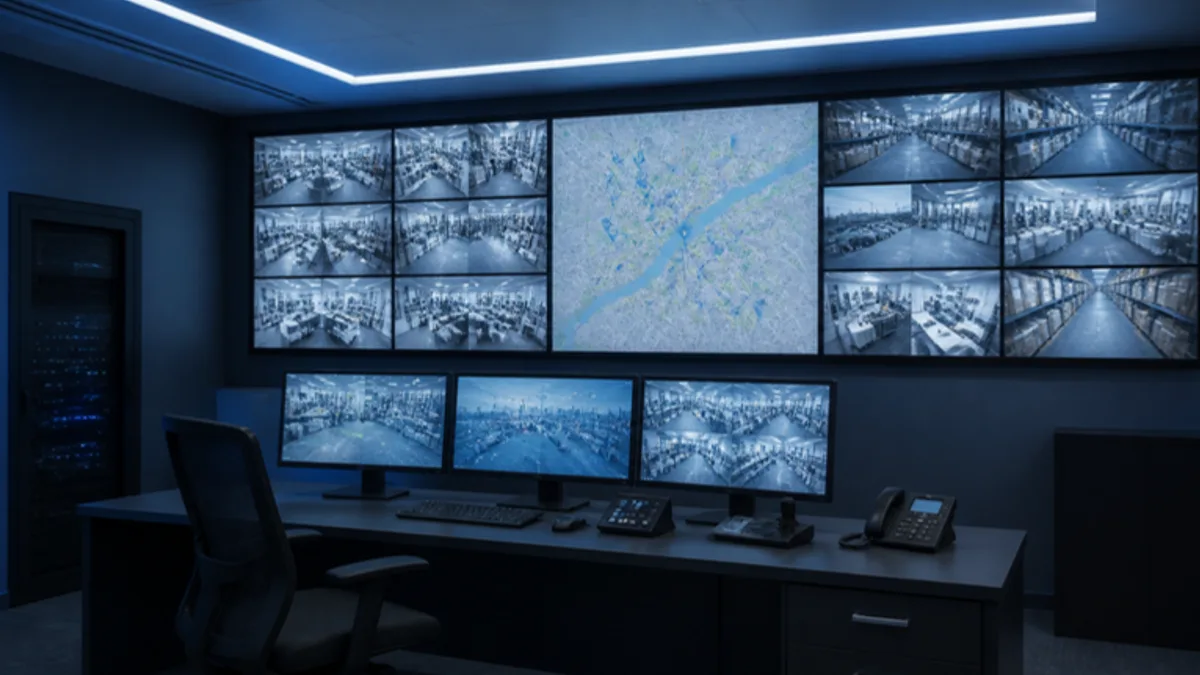
HikCentral is Hikvision's software for managing the cameras of several branches or sites from one screen. It suits a business with shops, warehouses or offices in Maputo, Matola, Beira or Nampula that wants one view of everything, clear user rights and one place to handle alarms.
Hik-Connect or HikCentral: which one do you need?
A single shop or a house usually needs only Hik-Connect, the free phone app. It shows the cameras of one or a few recorders on your phone, and for many owners that is enough. Our guide on watching your cameras on the phone with Hik-Connect explains how to set it up safely.
HikCentral starts to make sense when the business grows past what one person can follow on a phone. Typical signs:
- Several branches, for example a head office in Maputo, a depot in Matola and shops in Beira and Nampula, each with its own recorder.
- Several people who need different access: the owner sees everything, a branch manager sees only his branch, the security team sees live view but cannot delete anything.
- Someone who watches the cameras as a job, not only after something has happened.
- Alarms and events that must be handled, logged and checked later, not just phone notifications.
If none of these apply yet, stay with Hik-Connect. You can move to central management later and keep your Hikvision cameras and recorders, if the software supports them.
What does HikCentral show on one screen?
HikCentral shows the cameras of all connected sites in one program, grouped by site, so the operator does not log in to each recorder separately.
Live view and map view
The operator can put cameras from different branches on the same screen, for example every cash desk in the chain, or every loading gate. With a map view, a floor plan or a site map is loaded and the cameras appear as icons on it. Click the back door of the Matola warehouse and its picture opens.
Searching footage across sites
When something goes wrong, the question is often "where else did this person or vehicle appear?". Central software lets you search recordings by time and camera across sites from one place, instead of asking each manager to export clips. The recordings themselves still sit on the recorders at each branch; the software reaches them over the network when you search.
Who sees what: roles, passwords and privacy
Each person gets a login with only the rights they need. A common setup for a chain looks like this:
- Owner or director: all sites, live and playback, can add and remove users.
- Branch manager: only his own branch, live view and playback, can export a clip for the police.
- Security operator: live view and alarms for all sites, no deleting, no changing settings.
- Installer or IT support: settings and maintenance, only when you allow it.
Personal logins also show who looked at what, which matters for privacy. Keep cameras out of toilets and changing rooms, limit who can export footage, and agree on how long recordings are kept. Change every default password on cameras and recorders, use a different strong password for each user, and remove the login of anyone who leaves the company on their last day.
How are alarms and events handled?
HikCentral can collect events from all branches in one list, so an alarm is seen, acted on and closed by a person instead of being lost in a phone. Events can come from camera detection such as line crossing on AcuSense models, from alarm inputs on the recorder, or from a device that goes offline.
The value is in the routine around it. Decide which events matter at night and which only during the day, who receives them, and what the operator does: check the live picture, call the branch manager, call the guarding company.
How much internet does each branch need?
Each branch needs a stable internet line with enough upload speed for the cameras you want to watch live from head office. Upload matters more than download here, and on many Vodacom, Movitel or Tmcel lines it is the smaller number.
Central viewing does not need full quality. The operator watches several cameras on a lower-quality sub-stream, which uses much less data, and opens the full stream for one camera when needed.
Just as important: each branch keeps recording on its own recorder and hard drive. If the internet at the Beira shop drops for an afternoon, or a power cut takes the router down, the cameras there still record locally, and head office can search that footage once the line is back. Put the recorder, the PoE switch and the router on a UPS so short power cuts do not stop anything. Our guide to how many days a CCTV system records helps you size the drive at each branch.
Do you need a control room, and can you start small?
A control room helps when someone watches the cameras for most of the day, for example at a large warehouse or a factory with several gates. It can be as simple as a PC with HikCentral and two monitors in the security office, or a video wall for a bigger site. Our post on cameras for factories and warehouses in Matola covers the camera side of those sites.
You do not have to connect every branch on the first day. A sensible path is to put the software on a PC at head office, connect the head office and one or two branches, set up the users and test the routine for a few weeks. Then add the other branches one at a time, usually when their old recorders are replaced. Our article on CCTV for retail stores works as a checklist for each new shop.
Frequently asked questions
Can HikCentral work with cameras that are already installed?
Often yes, if the existing cameras and recorders are Hikvision models that the software supports and their firmware is reasonably current. During the site visit we check each recorder and tell you which can connect as they are and which are better replaced.
Does head office need a server?
It needs a computer that stays on, with the software installed, a stable network and a UPS. We size it after we know the number of sites, cameras and operators.
What happens if the internet at a branch goes down?
The branch keeps recording on its own recorder, so nothing is lost. Head office loses live view of that branch until the line is back, and then playback works again. A backup 4G router at important branches shortens that gap.
Plan your multi-branch CCTV with us
A.S.S. LDA (Advance Security Solutions LDA) supplies and installs CCTV, access control and network systems across Mozambique from Maputo, mostly on Hikvision technology, since 2014, and the site survey and quote are free. Message us on WhatsApp +258 84 488 8222 or get a free quote.
Written by the A.S.S. LDA technical team, Maputo.